What is multi-factor authentication, and why does it matter?
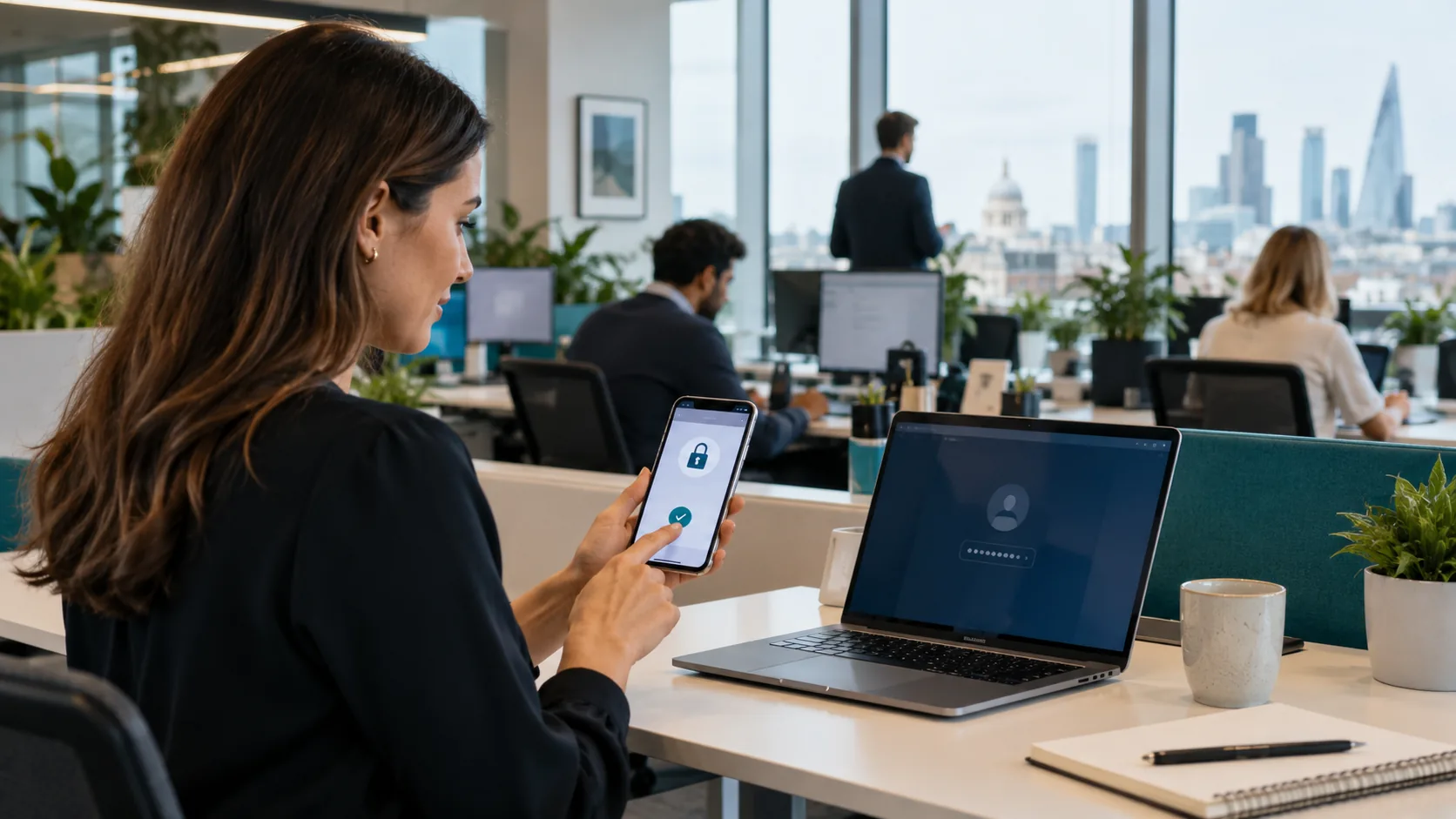
This is for business owners who keep hearing that they need MFA but have never had a straight explanation. You will learn what it adds to a normal password, which sign-in methods are worth using, and where a sensible small business should start.
The second lock on your account
Multi-factor authentication, usually shortened to MFA, asks for more than one piece of proof before it lets someone into an account. A password is one proof: something you know. A code from an app, an approval on your phone, or a physical security key is another proof. The point is simple. A stolen password on its own should not be enough to get into your email, files, payroll or banking.
Email is the priority because email resets passwords for so many other services. If somebody controls a mailbox, they can often request resets, impersonate a director and read the messages that help them plan the next move. That is why our guide to securing Microsoft 365 starts with identity rather than clever technology.
Why a leaked password is no longer enough
Passwords leak in ordinary ways. Someone reuses an old password after another website is breached. A convincing phishing page collects it. A device has malware. Or a member of staff gives it away after receiving what looks like a routine Microsoft sign-in request. None of this requires an attacker to guess a complicated password character by character.
With MFA in place, the attacker still has to complete the second check. They usually cannot because the approval app, security key or registered phone is with your employee. That one extra barrier stops a large share of the account takeovers that start with a password. It also gives your team a warning: an unexpected sign-in prompt is a reason to stop, change the password and report it.
- Something you know: a password or PIN.
- Something you have: a phone running an authenticator app, or a hardware key.
- Something you are: a fingerprint or face check used to verify a trusted device.
MFA is not a replacement for decent passwords, updates or phishing awareness. It is the extra barrier that reduces the damage when one of those things fails. Pair it with the basics in our small-business cyber protection overview rather than treating it as a box to tick.
The common methods, ranked honestly
Passkeys are now the strongest and simplest option where they are offered. A passkey replaces the password entirely, and because it is tied to the real site it cannot be handed to a convincing fake one. The NCSC recommends choosing passkeys over passwords wherever they are available. Our guide to what passkeys are and how they work covers the trade-offs, including recovery if someone loses their phone.
Hardware security keys are the strongest everyday choice. These small USB, NFC or Bluetooth keys confirm the sign-in on the real website. Good modern keys are resistant to phishing because they will not validate a lookalike login page. They suit directors, finance staff and administrators particularly well, and it is sensible to keep a spare key in a safe place.
Authenticator apps and number matching are very good for most staff. An app creates a temporary code or asks the user to match a number shown on screen. It is more secure than text messages and easier to roll out. Microsoft Authenticator and similar apps can also support passwordless sign-in on managed devices.
Text-message codes are better than nothing, but they are a fallback. They can be intercepted through SIM-swap fraud, sent to a lost phone, or seen on a lock screen. Some older services offer only SMS, so use it where there is no better option, but do not choose it as the default for important accounts. If you use Microsoft 365, SMS and voice are also on the way out: Microsoft retires its own SMS and voice delivery for Microsoft Entra ID on 1 February 2027, so plan the move using our Microsoft 365 passkey rollout guide.
Email codes are usually weaker still if they are sent to the very inbox you are trying to protect. Security questions are not MFA at all: the answers are often guessable or available online. An endpoint protection decision is a separate control; it looks after the device, while MFA protects the account at the point of sign-in.
MFA fatigue and push-bombing
MFA can be abused when a criminal already knows a password and repeatedly sends approval prompts to the real user. This is called MFA fatigue or push-bombing. The hope is that the person taps approve just to make the notifications stop, or assumes it is an IT request. It turns a security control into a social-engineering problem.
Make one rule clear to everyone: never approve a request you did not start yourself. If the prompts keep coming, deny them, report the incident and change the password. Number matching helps because the user has to compare a number on the sign-in screen rather than blindly accepting a message. Restricting sign-ins to managed devices and familiar locations can add another useful check.
Have a proper enrolment and recovery process too. Record who holds spare hardware keys, make sure departing staff lose access promptly, and do not let an employee be locked out because their only phone is broken. The staff onboarding and offboarding checklist is a useful prompt for keeping these details under control.
Why customers and insurers ask about it
Larger customers increasingly ask suppliers whether MFA protects email, remote access and cloud systems. They are trying to reduce the chance that a weak supplier account becomes a route into their own data. A simple, accurate answer supported by an access policy is much more useful than saying your IT is secure without knowing what that means.
Cyber insurers also commonly expect MFA, especially for remote access, administrator accounts and Microsoft 365. A policy may set conditions around it, alongside patching and backups. The exact wording matters, so read it rather than assuming a vague setting is enough. Our explanation of cyber insurance for small businesses covers why these controls matter when a claim is made.
MFA is also one of the practical controls assessed in Cyber Essentials. If a customer has asked about the scheme, our Cyber Essentials guide for Greater Manchester explains the wider baseline.
What to do next
Start with email, remote access, finance systems and administrator accounts. Use passkeys where the service supports them, authenticator apps with number matching for everyone else, and hardware keys for your highest-risk users. Treat SMS as a temporary fallback and give yourself a date to be off it. If you are not sure which accounts are exposed, TSS can talk it through in a free, no-obligation chat and help you make a proportionate plan.
Not sure where to turn MFA on first?
Book a free, no-obligation chat and we will help you prioritise the accounts that matter most.